Page 1 of 1
Viewing elements and material types in post processing
Posted: Mon Dec 04, 2023 3:16 pm
by ryancwl95
Hi,
I have a model for which I'm using STKO for post processing, I was wondering if there is a way to view the elements and material used in the graphic viewer?
Thank you for your assistance.
Re: Viewing elements and material types in post processing
Posted: Mon Dec 04, 2023 7:05 pm
by kesavapraba
Hi. Yes, you can see the element and physical properties in the STKO post-processor as shown in the attached figure.
Re: Viewing elements and material types in post processing
Posted: Tue Dec 05, 2023 12:53 pm
by ryancwl95
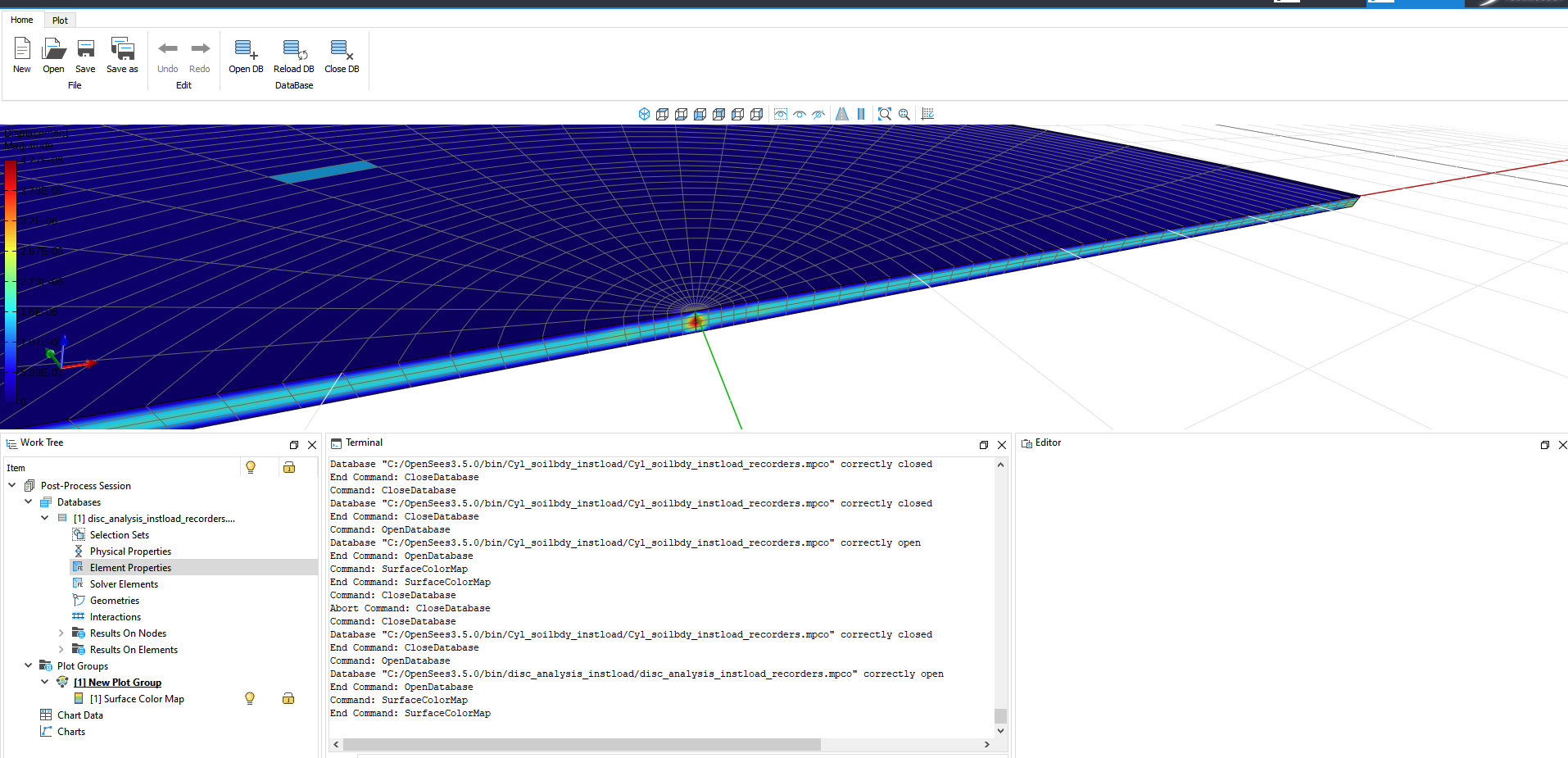
- Screenshot 2023-12-05 124654.png (323.71 KiB) Viewed 3587 times
In my model, I'm unable to view the element properties tab as shown.
I used STKO for my postprocessing of my analysis, the input file is self written.
Could it be, that the input file for this analysis is self written and not STKO pre processor generated?
Is there a line of code which I can add to my script to view the physical/element properties in the post processor?
Sincerely,
Ryan Chia
Re: Viewing elements and material types in post processing
Posted: Thu Dec 07, 2023 9:04 am
by kesavapraba
Yes, it is possible to select the element and material properties in STKO postprocessor by writing Python API script. Following link can be helpful for that purpose.
https://asdeasoft.net/stko-wiki/