interaction, differences

Post Reply
shelby.paz
Posts: 8
Joined: Tue Apr 21, 2020 8:15 pm

interaction, differences

Post by shelby.paz » Sun Jun 14, 2020 8:29 pm

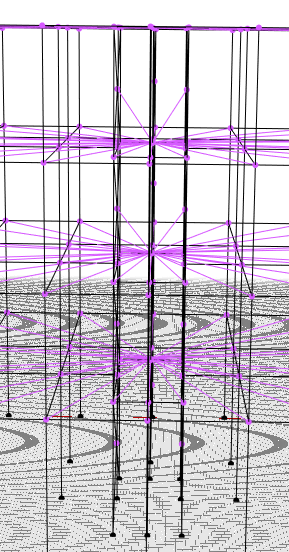
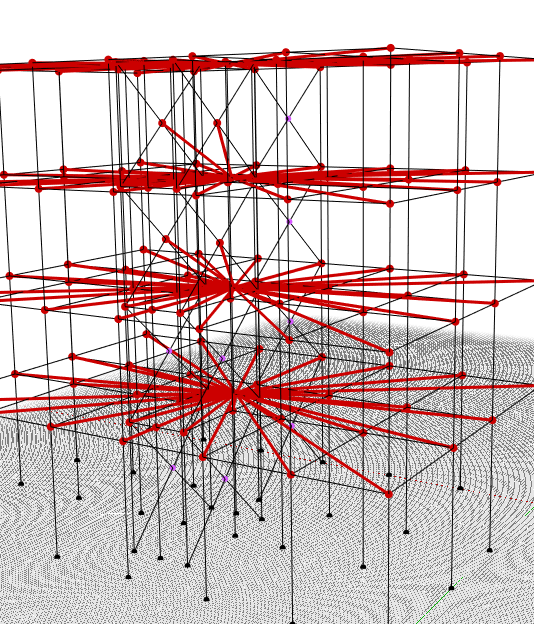
Hi, I try to make a model in timber and masonry, but I have some issues, the model is work with the central nodes for the truss but when i try to create the rigid diaphragm all the nodes is a disaster
interacciones.PNG
interacciones.PNG (76.79 KiB) Viewed 2221 times
1.PNG
1.PNG (159.77 KiB) Viewed 2221 times
how can I work with this two different types of interaction??
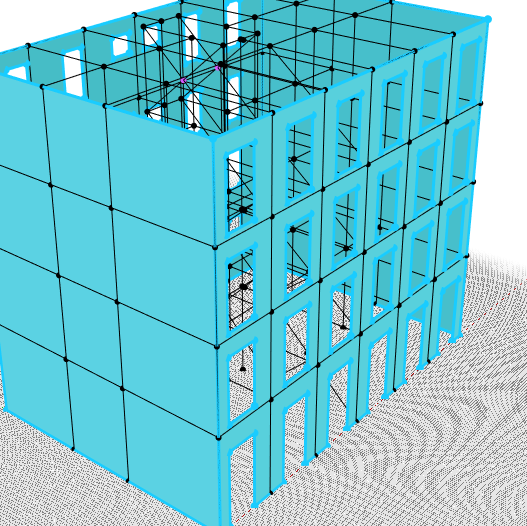
and in this specific case when I have some columns how I can put the interaction between columns and the walls???
building.PNG
building.PNG (110.54 KiB) Viewed 2221 times
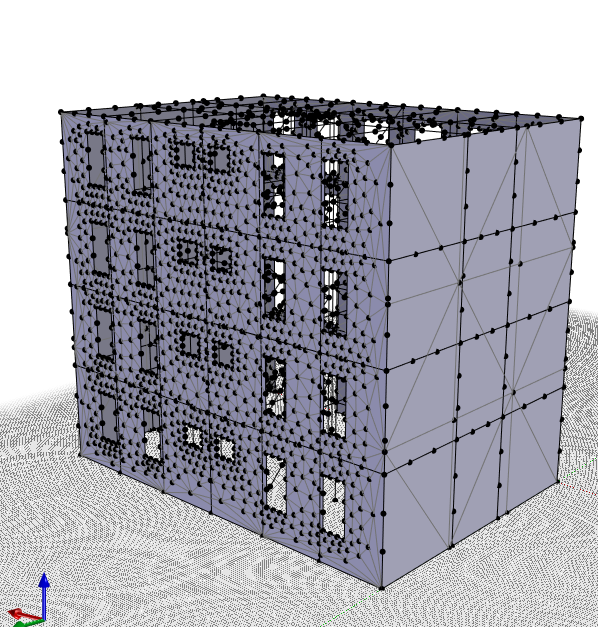
Finally, I try to mesh but with two types of material which is the recommendation for making an adequate mesh
despite working with plans, the walls are so different in the mesh, why?
mesh.PNG
mesh.PNG (199.08 KiB) Viewed 2221 times
How can I work with different interaction and all the structure work like one?

because I have this error
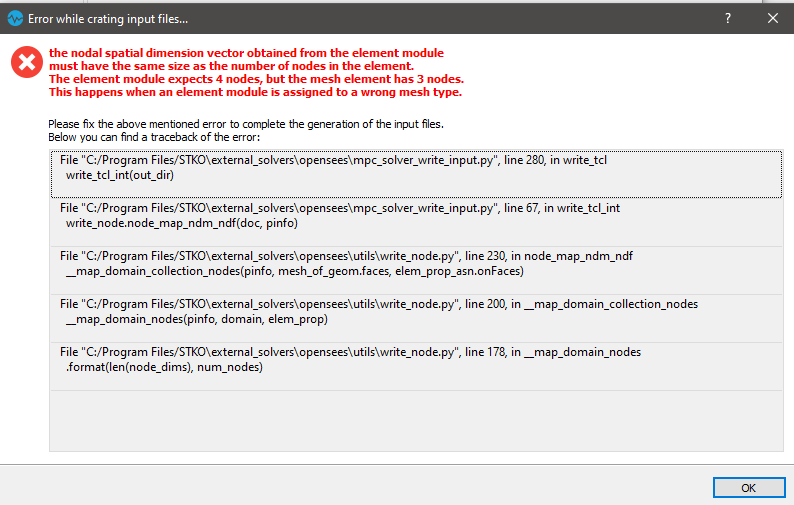
dialogo.PNG
dialogo.PNG (28.58 KiB) Viewed 2221 times

Thank you for helping
POMBALINO.zip
(310.98 KiB) Downloaded 258 times

STKO Team
Posts: 3066
Joined: Tue Oct 29, 2019 8:45 am

Re: interaction, differences

Post by STKO Team » Mon Jun 15, 2020 3:39 pm

dear User,
you have error beacause with shellMITC4 4 node mesh has to be used.
You can click on mesh controls, select faces, select quad topology on the list and then click on assign.
We suggest to add guide line correspond to holes in each direction, in order to made a regular 4 node mesh.
We see the model and we also suggest to clean some additional geometries, such as beams under shell, and to check what geometries are connected with diaphram master node.
We made some tutorial who might help you.
If you have other problems, please let us know.
We are here to help.
Have a nice day.

Post Reply