Page 1 of 1
Main toolbar
Posted: Thu May 04, 2023 5:38 am
by Zhang Wei
The main toolbar in Pre processor is accidentally turned off, how can I find it back?
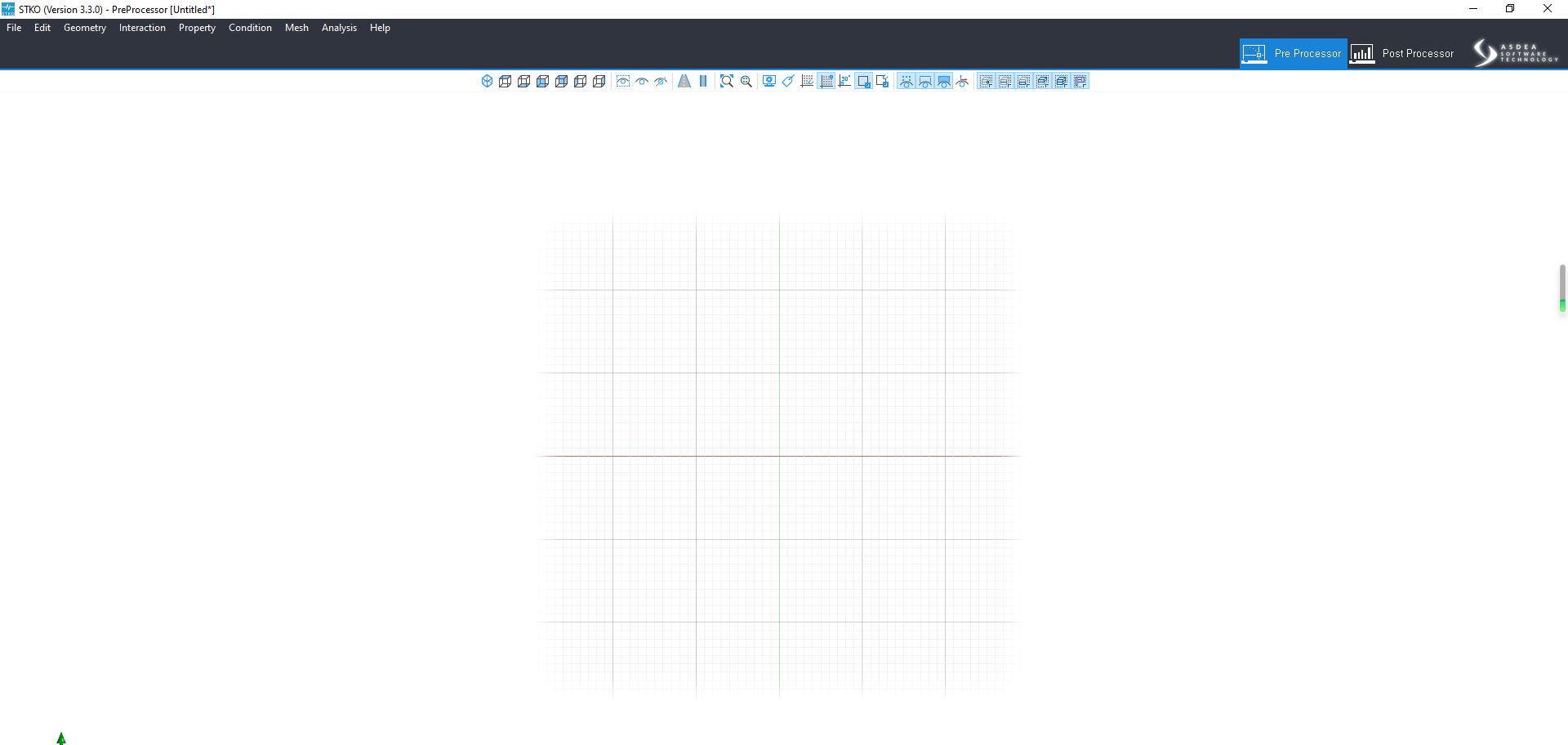
- Capture.JPG (95.79 KiB) Viewed 1726 times
Re: Main toolbar
Posted: Thu May 04, 2023 5:26 pm
by STKO Team
When you accidentally close all the items (including the Toolbar) there is no room for right-click and show them back.
However you can delete an entry in the registry to "delete" this condition.
- Close STKO
- Open The Registry with regedit command
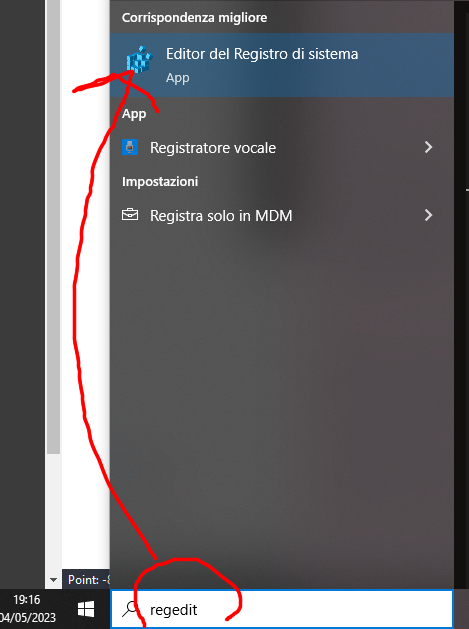
- regedit.png (201.73 KiB) Viewed 1715 times
- Delete this entry (State) in CaeMainWindow
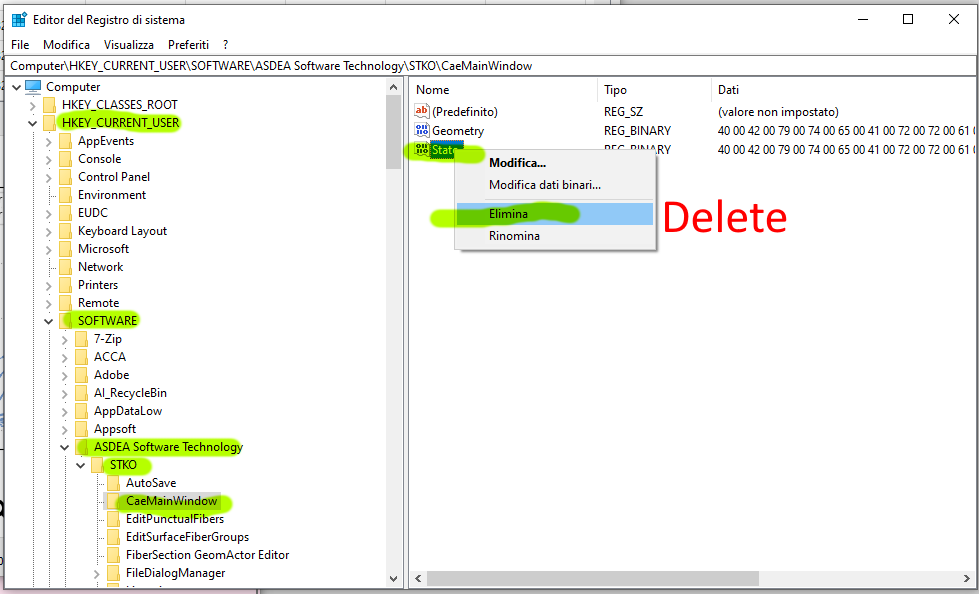
- delete State.png (61.43 KiB) Viewed 1715 times
- Restart STKO
Re: Main toolbar
Posted: Fri May 05, 2023 8:02 am
by Zhang Wei
Thank you very much, it helps a lot
Re: Main toolbar
Posted: Mon May 08, 2023 8:16 am
by STKO Team
You're welcome